


A CLI for data analysis that interacts with the Agent Runtimes via AG-UI and ACP protocols.
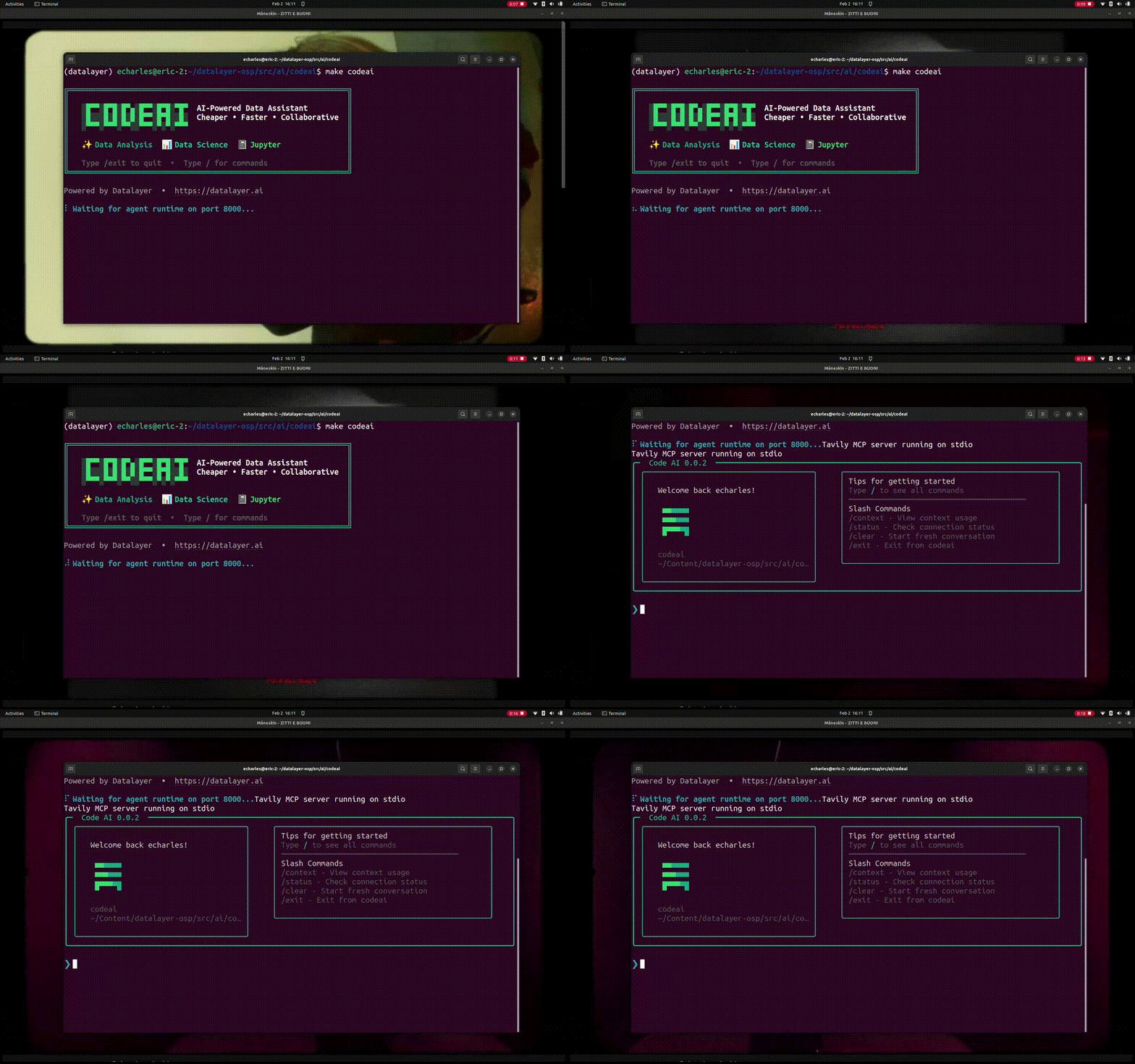
Code AI is an AI-powered CLI agent built on Pydantic AI that helps with code analysis, Jupyter notebooks, and data science workflows.
pip install codeaigit clone https://github.com/datalayer/codeai.git
cd codeai
pip install -e .curl -fsSL https://raw.githubusercontent.com/datalayer/codeai/main/install.sh | bashYou'll need to set up your OpenAI API key:
export OPENAI_API_KEY='your-api-key-here'Launch the interactive CLI to chat with Code AI:
codeaiSpecial commands available in interactive mode:
/exit: Exit the session/markdown: Show the last response in markdown format/multiline: Toggle multiline input mode (use Ctrl+D to submit)/cp: Copy the last response to clipboard
Run a single query from the command line:
codeai "How do I create a pandas DataFrame?"You can customize the agent by importing and modifying it:
from codeai.cli import agent

# Add custom tools or modify behavior
@agent.tool()
def my_custom_tool(data: str) -> str:
    """Custom tool description"""
    return f"Processed: {data}"

# Run the CLI with customizations
agent.to_cli_sync()- Data Analysis: Get help with code review, debugging, and optimization
- Jupyter Notebooks: Assistance with notebook workflows and data exploration
- Data Science: Support for pandas, numpy, scikit-learn, and other libraries
- Interactive Chat: Conversational interface for iterative problem-solving
- Animated Loading: Beautiful spinner animation while processing queries
- Powered by Pydantic AI: Built on the robust Pydantic AI framework
Install development dependencies:
pip install -e ".[test,lint,typing]"Run tests:
pytestBSD 3-Clause License - see LICENSE for details.